


I’ve been using email marketing tools for years now.
Honestly, not just testing them, but actually relying on one to send weekly newsletters to our customers.
Over time, I’ve also tried most of the other platforms on this list for side projects and client work.
What I’ve learned: the right tool depends on what you’re doing, how big your list is, and what you’re willing to spend.
The problem?
Picking the right one gets harder. Here’s what happened in 2025 and 2026:
- Mailchimp cut its free plan down to just 250 contacts
- MailerLite dropped from 1,000 to 500 free subscribers
- Kit raised prices 2 to 4x overnight
- ActiveCampaign started charging for inactive and unsubscribed contacts
- Most “affordable” tiers from a year ago simply don’t exist anymore
I know how frustrating it is to compare tools when pricing keeps shifting, and free plans keep shrinking.
That’s why I spent a good amount of time going through each platform, checking user reviews on G2 and Capterra, and testing how pricing actually scales as your list grows.
After all that research, I’ve put together this list of the 10+ best email marketing tools in 2026.
Check them out. (I hope you find the right fit.)
Email Marketing Tools – TOC
TL;DR: Best Email Marketing Tools at a Glance
If you’re short on time, here’s the quick summary. Scroll down for the full breakdown of each tool.
| Email Marketing Tool | Free Plan | Starts At | Standout Feature | G2 |
|---|---|---|---|---|
| Mailchimp | Yes | $13/mo | AI content tools and 100+ templates | 4.4 |
| Brevo | Yes | $9/mo | Pay-per-email pricing with unlimited contacts | 4.5 |
| ActiveCampaign | No | $19/mo | 750+ automation recipes with built-in CRM | 4.5 |
| Sender | Yes | $7/mo | Generous free plan with 2,500 subscribers and full automation | 4.7 |
| GetResponse | Yes | $19/mo | Native webinar hosting inside the platform | 4.2 |
| MailerLite | Yes | $10/mo | Clean interface with automation on free plan | 4.7 |
| Klaviyo | Yes | $20/mo | Predictive analytics with deep Shopify integration | 4.6 |
| Moosend | No | $7/mo | Email marketing automation builder | 4.7 |
| Mailmodo | Yes | $27/mo | No-code editor to build interactive emails | 4.5 |
| EmailOctopus | Yes | $9/mo | Affordable email marketing with powerful automation using Amazon SES | 4.3 |
| Kit | Yes | $33/mo | Sell digital products with visual automation | 4.4 |
| Omnisend | Yes | $16/mo | Email, SMS, and push notifications together | 4.5 |
10+ Best Email Marketing Tools in 2026
Here is my detailed breakdown of each tool. I have organized them by overall value, considering features, pricing, limitations, and which teams they suit best.
1. Mailchimp
Mailchimp is the most recognized email automation marketing platform in the world.
It offers more than 100 pre-designed templates, AI-powered content tools, and over 300 integrations, which is why many businesses still start here.
Why I Picked It at #1
I have used Mailchimp across multiple projects, and its template library is difficult to match.
The drag-and-drop builder feels intuitive, and the Content Optimizer reviews your email copy before sending.
If you want polished emails without hiring a designer, Mailchimp makes that simple.
The Customer Journey Builder, available on the Standard plan, supports welcome flows, abandoned cart emails, and re-engagement sequences with branching logic.

Mailchimp reports up to nine times more revenue from automation compared to bulk campaigns, and in my experience, the automation works well for most small to mid-size businesses.
Mailchimp also stands out for its integrations.
With more than 300 native connections, including Shopify, WooCommerce, Salesforce, and Canva, it fits easily into most existing tech stacks.
- G2: 4.4⭐/5 (5,200+ reviews) | Capterra: 4.5⭐/5 (17,000+ reviews)
- Best for: If you want strong email design, wide integration support, and a reliable all-around platform, Mailchimp is your pick.
Limitations to Consider
- Free plan reduced to 250 contacts and 500 emails per month in January 2026
- Automation is not available in the free plan
- Charges apply to inactive and unsubscribed contacts, increasing total costs over time
- The standard plan for 10,000 contacts typically costs between $100 and $115 per month
- Pricing is higher compared to alternatives like Brevo or MailerLite
Key Features
- 100+ email templates with drag-and-drop editor
- AI content generator, subject line assistant, and Content Optimizer
- Customer Journey Builder with branching logic (Standard+)
- Advanced audience segmentation with predicted demographics
- A/B and multivariate testing (up to 8 variants on Premium)
- 300+ integrations (Shopify, WooCommerce, Salesforce, Canva)
- Send Time Optimization per subscriber
- Revenue attribution and campaign benchmark reporting
Pricing
- Free: 250 contacts, 500 emails/mo (no automation, Mailchimp branding)
- Essentials: $13/mo including 500 contacts, 5,000 emails
- Standard: $20/mo includes 500 contacts, 6,000 emails (automation, AI tools)
- Premium: $350/mo including10,000 contacts, 150,000 emails
Note: Charges for inactive/unsubscribed contacts. 10K contacts on Standard ≈ $100–$115/mo
2. Brevo (formerly Sendinblue)
Brevo follows a different pricing model. It charges based on emails sent, not the number of stored contacts.
You can keep unlimited contacts on every plan, including the free tier, and pay only for sending volume.
Why I Picked It at #2
If you manage a large list but send only a few campaigns each month, Brevo can reduce costs significantly.
I have seen businesses save around 40 to 60 percent compared to Mailchimp after switching.
For example, with 50,000 contacts and 10,000 monthly emails, Brevo may cost about $18 per month, while Mailchimp can exceed $300.
The platform has evolved a lot since its Sendinblue days.
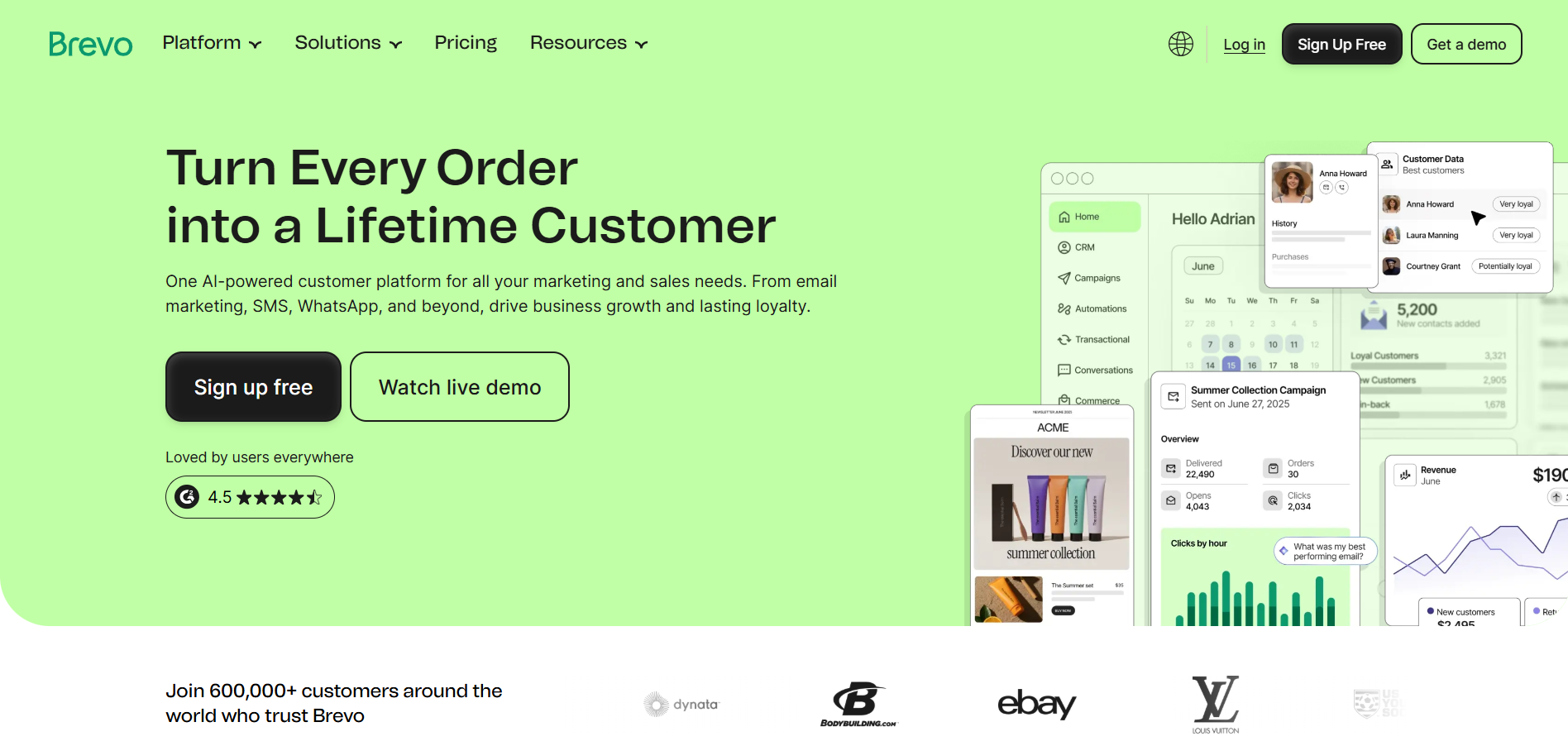
You now get email, SMS, WhatsApp, live chat, and a basic CRM in one place.
Automation is available even on the free plan for up to 2,000 contacts, which is uncommon in 2026.
Brevo also supports transactional emails through API and SMTP, so you do not need separate tools like Mailgun or Postmark.
- G2: 4.5⭐/5 (800+ reviews) | Capterra: 4.5⭐/5 (2,100+ reviews)
- Best for: If you have a large contact list and want to keep costs low with multichannel marketing, Brevo’s per-email pricing is tough to beat.
Limitations to Consider
- The template library is limited to about 40 templates compared to Mailchimp’s larger collection
- Removing Brevo branding requires an additional $12 per month on the Starter plan
- Some users report deliverability concerns, including emails reaching spam folders
- Strict sender standards may restrict sending if bounce rates become too high
If your priority is low cost with multichannel marketing across email, SMS, WhatsApp, and chat, Brevo stands out as the best value option here.
Key Features
- Pay-per-email pricing with unlimited contacts on all plans
- Multichannel: email, SMS, WhatsApp, live chat in one platform
- Marketing automation on free plan (up to 2,000 contacts)
- Built-in CRM for contact and deal management
- Native transactional email via API and SMTP
- 40+ templates with drag-and-drop editor
- Send Time Optimization (Business plan+)
- 150+ integrations (Shopify, WooCommerce, WordPress, Zapier)
Pricing
- Free: 300 emails/day (~9,000/mo), unlimited contacts, basic automation
- Starter: $9/mo that includes 5,000 emails (Brevo branding; +$12/mo to remove)
- Business: $18/mo that includes 5,000 emails (A/B testing, landing pages)
- Enterprise: $499/mo that includes 150,000+ emails
- They also offer Pay-As-You-Go credits.
3. ActiveCampaign
ActiveCampaign is the automation-focused platform on this list.
If you need advanced workflows, lead scoring, and a built-in CRM in one place, few tools match its depth.
Why I Picked It at #3
I have created complex workflows in ActiveCampaign using multi-step sequences, conditional logic, lead scoring triggers, and CRM pipeline automation.
You also do not need to build everything from the beginning. Since the platform includes more than 750 pre-built automation recipes.
These cover abandoned carts, win-back campaigns, lead nurturing paths, and many other common journeys.
The CRM is fully native rather than added later.

You can track deals, assign tasks, and score leads using email engagement and website behavior.
For B2B teams and SaaS businesses, keeping email marketing and sales CRM together creates clear operational value.
The Win Probability feature on the Pro plan also uses AI to estimate which deals are most likely to close.
When I compared automation with Mailchimp and GetResponse, the flexibility difference was clear.
ActiveCampaign supports conditional branches, wait conditions, goal actions, and split paths that the others cannot match.
- G2: 4.5⭐/5 (13,500+ reviews) | Capterra: 4.6⭐/5 (2,400+ reviews)
- Best for: If you’re a marketing team, B2B business, or agency that needs advanced automation, CRM, and lead scoring in one platform, ActiveCampaign is your best bet.
Limitations to Consider
- No free plan, only a 14-day trial
- Meaningful automation begins at the Plus plan, priced around $59 per month
- Charges apply to all contacts, including inactive and unsubscribed, as of November 2025
- Around $239 per month for 10,000 contacts on the Pro plan
- CRM Pipelines add-on costs about $68 per month extra
- More complex to use than Mailchimp or MailerLite, which may feel excessive for simple newsletters
If you need deep automation and a tightly integrated CRM and are ready to invest time and budget, ActiveCampaign stands out as the strongest choice.
Key Features
- 750+ pre-built automation recipes with visual workflow builder
- Native CRM with deal pipelines, lead scoring, and task management
- Predictive sending optimized per contact
- Win Probability scoring (Pro plan)
- Advanced segmentation (behavior, tags, custom fields, site tracking)
- Conditional content blocks based on recipient data
- SMS marketing add-on ($16.83/mo)
- 950+ integrations (Shopify, Salesforce, WordPress, Zapier)
Pricing
- 14-day trial only.
- Starter: $15/mo that includes 1,000 contacts (limited automation, no CRM)
- Plus: $49/mo that includes 1,000 contacts (automation, CRM, SMS, landing pages)
- Pro: $79/mo that includes 1,000 contacts (predictive sending, AI, win probability)
- Enterprise: Custom pricing that includes 10,000+ contacts
4. Sender
Most tools on this list have been shrinking their free plans. Sender went the other way.
You get 2,500 contacts and 15,000 emails a month for free, with automation, segmentation, the drag-and-drop editor, and the full template library included. Compare that to Mailchimp’s 250 contacts with no automation, and the gap is hard to ignore.
Why I Picked It at #4
The free plan is the headline, but the automation is what kept me on it.
Alongside the usual triggers, signups, purchases, abandoned carts, Sender has Custom Events. You can start a workflow from something specific happening in your app or store, like a user finishing a lesson or clicking a trial button. Add time delays and conditional logic on top and you have workflows that hold up against tools charging four times as much.
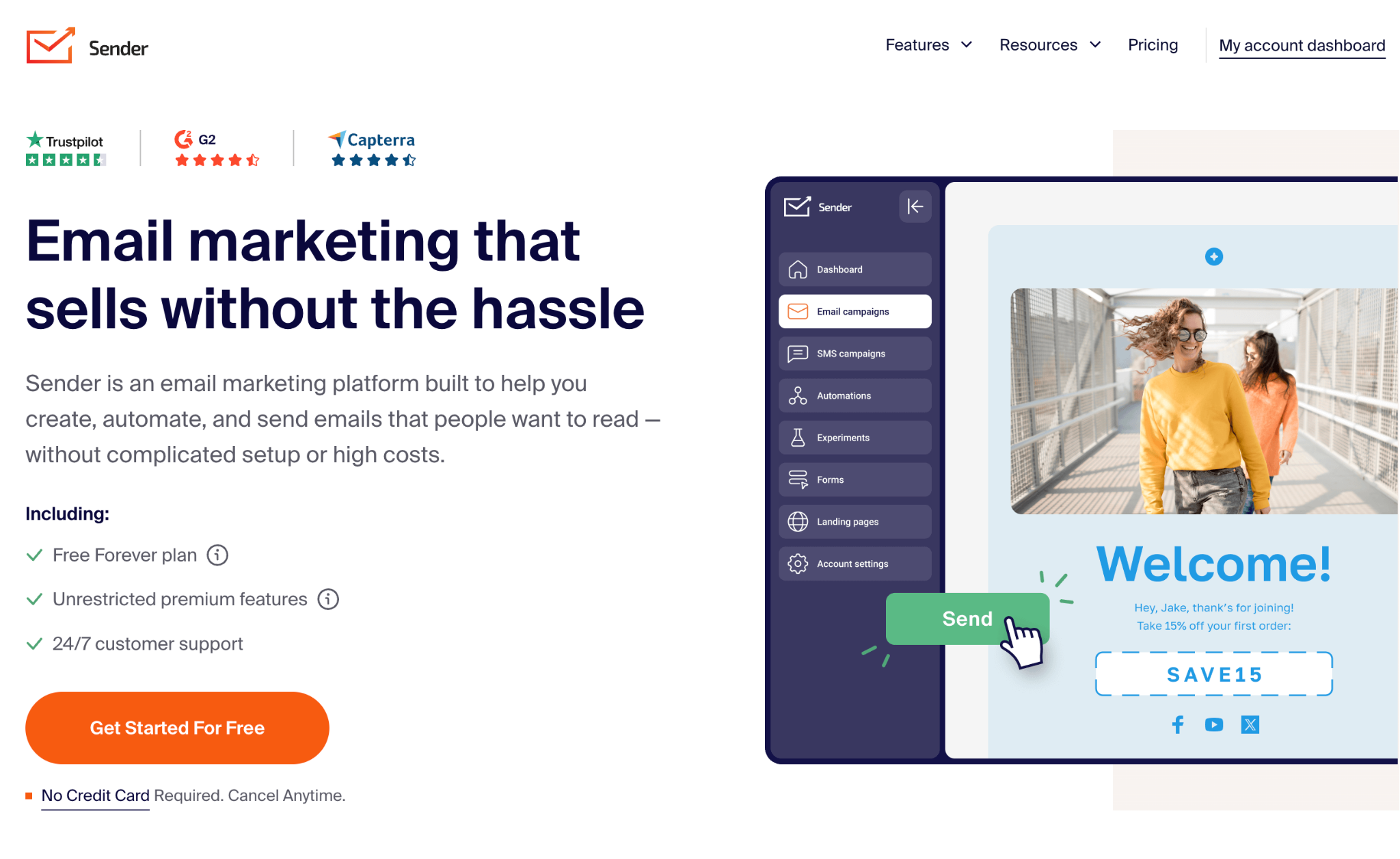
Transactional emails are included on every plan, including free. That is unusual. Most platforms here either sell it as an add-on or push you to a separate service like Postmark.
Support is not tiered either. 24/7 live chat is open to everyone, free users included.
I did notice the integration list is thin compared to Mailchimp or Brevo. Zapier fills most of the holes, but if you need a native connection to something niche, check before you commit.
- G2: 4.7⭐/5 (250+ reviews) | Capterra: 4.7⭐/5 (200+ reviews)
- Best for: Small businesses, ecommerce stores, and newsletter writers who want a real free plan, working automation, and pricing that does not spike as the list grows.
Limitations to Consider
- Free plan emails carry Sender branding
- No built-in CRM, so pipeline tracking means connecting an external tool
- Fewer native third-party integrations than Mailchimp or Brevo, though Zapier covers most of the gap
- Strict permission-based policies rule it out for cold outreach or purchased lists
If you care about what you get per dollar, especially on the free tier, Sender gives you more than most tools on this list.
Key Features
- Drag-and-drop email editor with a library of responsive templates
- Visual automation builder with Custom Events and behavioral triggers
- Native transactional email via REST API and SMTP on all plans
- Email and SMS in the same automation workflows
- Landing pages, signup forms, and popup builders with display rules and double opt-in
- Segmentation by demographics, behavior, purchase history, and engagement
- Heatmaps, ecommerce sales reports, and real-time campaign analytics
Pricing
- Free: 2,500 subscribers, 15,000 emails/mo (automation, segmentation, transactional emails, Sender branding)
- Standard: from $7/mo for 1,000 subscribers, 12,000 emails/mo (SMS, no branding, multi-user access)
- Professional: from $14/mo for 1,000 subscribers, 24,000 emails/mo (free SMS, countdown timers, priority support, dedicated IPs)
- Enterprise: Custom (dedicated success manager, SSO, SLA, phone support)
5. GetResponse
GetResponse offers a capability that no other platform on this list provides natively.
It includes built-in webinar hosting within the same marketing system.
If live events, workshops, or online training are part of your strategy, this removes the need for tools like Zoom or GoToWebinar.
Why I Picked It at #5
I chose GetResponse mainly because of the webinar functionality.
You get registration pages, automated reminders, interactive polls, and post-event follow-up sequences in one place.
If webinars are a regular part of your process, this feature alone can justify the cost.
Beyond webinars, the automation builder is visual and easy to use.

Behavioral triggers and contact scoring are available on the Marketer plan priced at $59 per month.
Conversion funnels are also built in, combining landing pages, opt-in forms, and email sequences into one workflow.
GetResponse has also introduced an AI-powered course creator, which allows you to build and sell online courses directly from your account.
This is especially useful for coaches, consultants, and content creators.
- G2: 4.2⭐/5 (500+ reviews) | Capterra: 4.2⭐/5 (500+ reviews)
- Best for: If you run webinars, online courses, or conversion funnels as part of your marketing, GetResponse eliminates the need for multiple platforms.
Limitations to Consider
- Large pricing jump from Starter at $19 per month to Marketer at $59 per month
- Key automation and webinar features are available only on higher tiers
- Around $174 per month for 10,000 contacts on the Marketer plan
- Charges apply to duplicate contacts across lists
On the positive side, GetResponse charges only for active subscribers.
It offers about 18 percent savings on annual billing and 50 percent discounts for nonprofits.
If webinars and conversion funnels are central to your lead generation strategy, GetResponse brings everything into one platform.
Key Features:
- Built-in webinar hosting (100 attendees on Creator, 1,000 on Enterprise)
- Conversion funnels combining landing pages, emails, and payments
- AI-powered course creator for online courses and paid newsletters
- Visual automation builder with behavioral triggers and contact scoring
- AI email generator and landing page builder
- Unlimited email sends on all paid plans
- Ecommerce tools: product recs, abandoned cart, promo codes
- 24/7 chat support; 50% nonprofit discount
Pricing:
- Free: 500 contacts, 2,500 emails/mo (website builder, basic forms)
- Starter: $16/mo with1,000 contacts (unlimited emails, A/B testing)
- Marketer: $49/mo with 1,000 contacts (advanced automation, segmentation)
- Creator: $57/mo with 1,000 contacts (webinars, course builder)
- Enterprise (MAX): Custom with100K+ (SMS, 1,000 webinar attendees)
6. MailerLite
MailerLite is the platform I recommend most to beginners.
It has a simple interface, minimal learning curve, and pricing that stays affordable as you grow.
Why I Picked It at #6
What stood out to me is how much value MailerLite offers on lower plans.
The Growing Business plan starts at $10 per month and includes unlimited emails, newsletter templates, automation, and round-the-clock email support.
When compared with Mailchimp pricing for similar features, the value difference is clear.
Automation is also available on the free plan, which many platforms no longer offer.
The drag-and-drop editor feels smooth and easy to use.
You also get a built-in website builder and landing page editor if needed.

MailerLite received the “Best of 5 Email Deliverability” badge on G2 in 2025. It also earned recognition for “Easiest to Use” and “Category Leaders.”
When emails land in inboxes instead of spam folders, every performance metric improves.
In my experience, MailerLite’s deliverability has remained consistently strong.
- G2: 4.7⭐/5 (1,000+ reviews) | Capterra: 4.7⭐/5 (2,000+ reviews)
- Best for: If you’re a beginner, small business owner, blogger, or freelancer who wants an affordable, easy-to-use platform with strong deliverability.
Limitations to Consider
- Advanced automation with branching logic and deep CRM features is limited
- Predictive analytics and complex workflows are not its strength
- Free plan reduced from 1,000 to 500 subscribers in 2024
- Signup approval can be strict, with reported delays or rejections on Capterra
If your priority is simplicity and strong value, MailerLite performs far above its price.
It works especially well for bloggers, freelancers, small businesses, and nonprofits, which also receive a 30 percent discount.
Key Features
- An easy drag-and-drop email editor with modern templates
- Marketing automation on all plans (including free)
- Website builder and landing page editor (49+ templates)
- Sell digital products and subscriptions directly
- A/B testing for subject lines, content, and send times
- Custom HTML editor and promotion pop-ups (Advanced plan)
- RSS-to-email for automated blog notifications
- Integrations with Shopify, WooCommerce, WordPress, Stripe, and Zapier
Pricing
- Free: 500 subscribers, 12,000 emails/mo (automation, landing pages, 1 user)
- Growing Business: $9/mo, 500 subscribers (unlimited emails, templates, 3 users)
- Advanced: $18/mo, 500 subscribers (custom HTML, pop-ups, unlimited users)
- Enterprise: Custom, 100K+ subscribers
7. Klaviyo
Klaviyo is the most powerful email marketing platform on this list for ecommerce businesses.
It is built specifically for Shopify, WooCommerce, and BigCommerce.
Its ability to connect purchase data with email marketing is difficult to match in tools like Mailchimp or Brevo.
Why I Picked It at #7
What makes Klaviyo different is its data engine.
It syncs real-time purchase history, browsing behavior, and customer lifetime value predictions into segmentation and automation.
You can trigger flows when someone views a product, abandons a cart, or reaches a defined spending threshold.
It also includes predictive analytics such as expected next order date, churn risk scoring, and customer lifetime value forecasting.
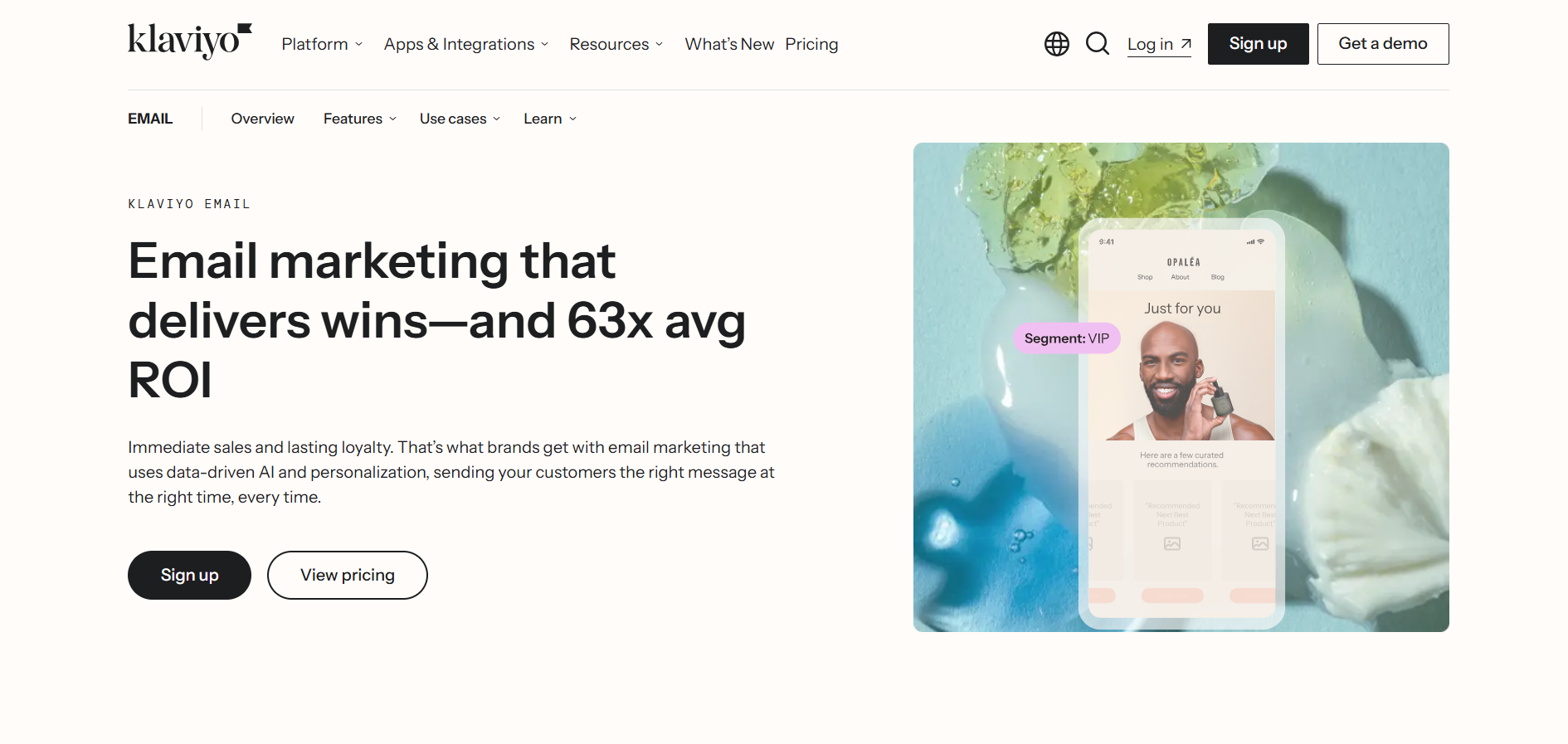
These capabilities are more advanced than those of other tools in this list.
Shopify owns about 11.2 percent of Klaviyo and recommends it for Shopify Plus users.
The integration is extremely tight, with real-time syncing of product data, customer profiles, and order history.
- G2: 4.6⭐/5 (1,100+ reviews) | Capterra: 4.7⭐/5 (700+ reviews)
- Best for: If you run a mid-size to large ecommerce store, especially on Shopify, and want predictive analytics, deep segmentation, and revenue-linked reporting, Klaviyo is built for you.
Limitations to Consider
- Around $150 per month for 10,000 contacts with email only
- Around $240 per month for email and SMS combined
- Automatic plan upgrades introduced in February 2025 as profile counts increase
- Steep learning curve for new users
- Some G2 reviews mention support priority for higher-paying customers
If you run a smaller ecommerce store under $500K in revenue, Omnisend may be a better starting point.
It delivers much of Klaviyo’s value at a significantly lower cost.
But if you have the budget and need deep data-driven marketing, Klaviyo remains the gold standard for ecommerce email.
Key Features
- Predictive analytics: CLV, churn risk, expected next order date
- Deep Shopify, WooCommerce, BigCommerce integrations
- Real-time product recommendations and dynamic product feeds
- Advanced flow builder with conditional splits on purchase history
- Integrated SMS/MMS marketing (credit-based)
- 350+ native integrations (CRMs, ad platforms, review tools)
- Revenue attribution dashboard
- Klaviyo Reviews add-on ($25/mo+) for review collection
Pricing
- Custom pricing.
8. Moosend
Moosend is one of the most affordable email marketing platforms you will find right now.
It gives you unlimited email sends, marketing automation, and landing pages on a single paid plan, starting at just $9 per month.
Why I Picked It at #8
If budget is your biggest concern, but you still want proper automation, Moosend is hard to ignore.
I was surprised by how much you get on the Pro plan. Automation workflows, A/B testing, landing pages, countdown timers, and behavioral tracking are all included from day one.
Most platforms lock automation behind mid-tier or premium plans. Moosend does not.
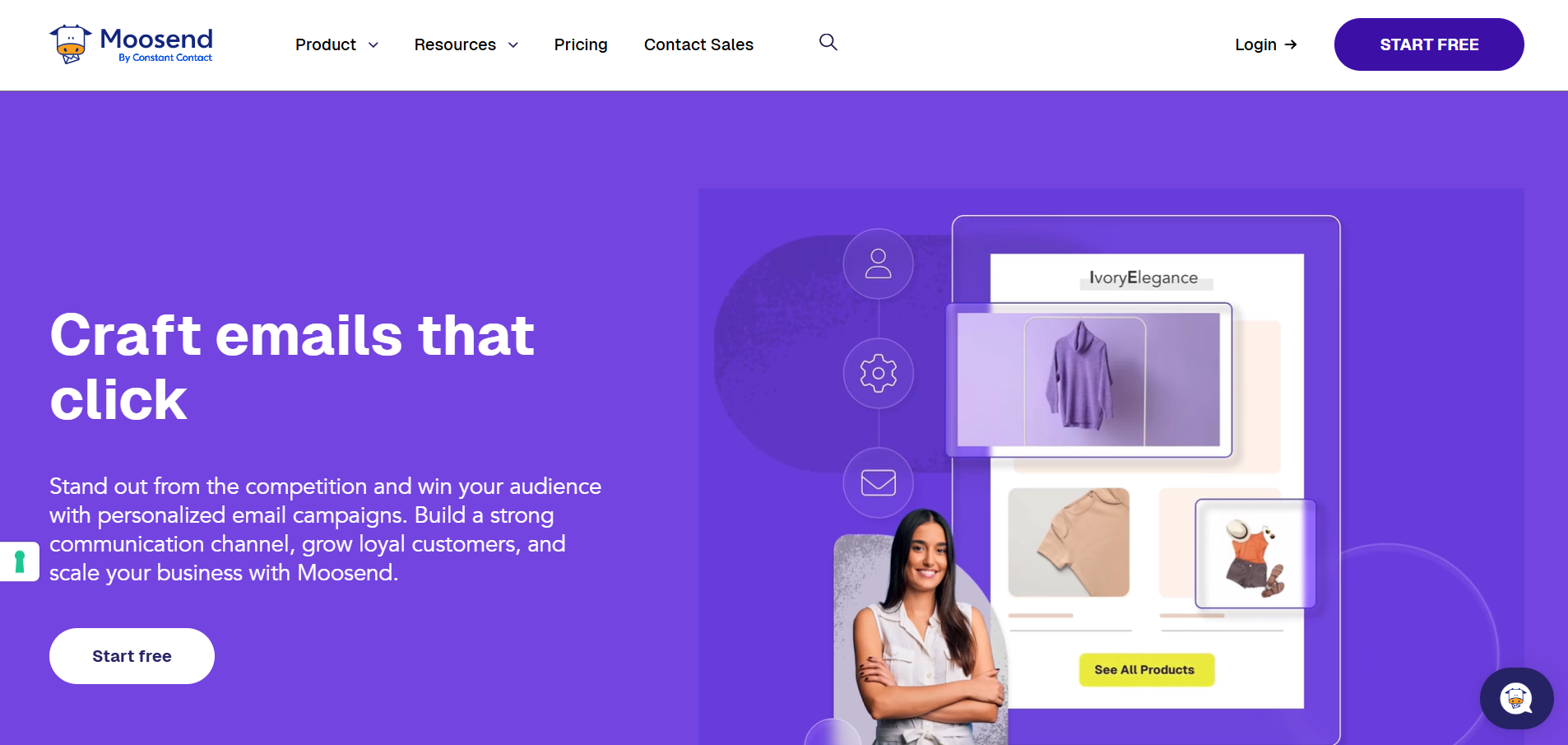
The visual automation builder is clean and easy to use. There are 18 pre-built workflow templates for things like welcome series, cart abandonment, and re-engagement, and you can build custom sequences with conditional logic based on clicks, opens, and page visits.
Reporting is another strength. You get click heatmaps, geolocation data, device breakdowns, and revenue tracking per campaign, which is unusual at this price point.
Moosend also supports ecommerce tracking through integrations with WooCommerce and Magento, so you can tie campaigns directly to sales.
- G2: 4.7⭐/5 (700+ reviews) | Capterra: 4.6⭐/5 (190+ reviews)
- Best for: If you need powerful automation and unlimited sends on a tight budget, Moosend is one of the best deals in email marketing right now.
Limitations to Consider
- No free plan, only a 30-day free trial with 1,000 contacts
- Template library includes around 116 designs, but many feel slightly dated compared to Mailchimp or MailerLite
- Only about 42 native integrations, far fewer than most competitors on this list
- No built-in CRM or multichannel features like SMS or WhatsApp
- Free migration support is limited to Enterprise customers only
- Transactional emails are available only as a paid add-on on the Moosend+ plan
Still, if you want affordable email marketing with strong automation and unlimited sends included, Moosend gives you more than most tools at twice the price.
Key Features:
- Unlimited email sends on all paid plans
- Visual automation builder with 18 pre-built workflow templates
- Conditional logic sequences based on clicks, opens, and page visits
- A/B testing for subject lines, content, and send times
- Click heatmaps, geolocation reporting, and revenue tracking
- Landing page and subscription form builder
- Ecommerce tracking (WooCommerce, Magento)
- AI-powered product recommendations for online stores
Pricing:
- Free Trial: 30 days, 1,000 contacts, unlimited emails (all Pro features)
- Pro: $9/mo (monthly) / $7/mo (annual), 500 contacts, unlimited emails, all features
- Pro at 2,000 contacts: ~$24/mo
- Pro at 10,000 contacts: ~$88/mo
- Moosend+: Custom pricing with Pro features + select Enterprise add-ons
- Enterprise: Custom pricing with dedicated account manager, SSO, priority support
It even offers Pay-as-you-go credits available starting at $350 for 350,000 emails.
9. Mailmodo
Mailmodo is an AI email marketing software that helps you create, automate, and optimize campaigns effortlessly.
From planning strategy to writing copy and building journeys, Mailmodo’s AI Agents handle it all, with no technical expertise needed. It’s the fastest way to send smart, interactive, and high-performing emails.
Why I Picked It at #9
If you have ever sent a feedback form or survey link in an email and watched your click-through rates drop, Mailmodo solves that problem, but now with an AI-first approach.
What stands out is how deeply AI is embedded across the workflow. From generating campaign ideas and writing email copy to building full automation journeys, Mailmodo reduces the manual effort at every step.

Mailmodo’s AI agents can help you:
- Plan campaigns
- Generate subject lines and email copy
- Build full email layouts
- Create automation journeys from simple prompts
Mailmodo also includes an AI-powered journey builder that can generate complete workflows with triggers, delays, and branching logic, significantly reducing manual setup time.
Limitations to Consider
- Primarily focused on email; no native SMS, WhatsApp, or social scheduling
- Pricing scales with contacts and email volume, which can get expensive as you grow
- The free plan is limited and restricts access to advanced features like automation and AMP
- Not a full CRM; it relies on integrations for deeper customer data management
Mailmodo positions itself as an AI, all-in-one email marketing platform that handles everything from planning to execution.
- G2: 4.6⭐/5 (100+ reviews) | Capterra: 4.5⭐/5 (25+ reviews)
- Best for: If you want to increase email conversions by allowing subscribers to take action directly inside the email and leverage AI to speed up campaign creation, Mailmodo is a strong choice. Mailmodo positions itself as an AI, all-in-one email marketing platform that handles everything from planning to execution.
Key Features:
- AI email assistant for campaign planning, subject lines, and copy generation
- AMP-powered interactive emails with forms, polls, surveys, and product experiences
- AI-powered email builder for layouts, design, and content updates
- Drag-and-drop editor with real-time preview
- AI audience segmentation based on natural language prompts
- Smart automation with AI-suggested workflows and journey building
- Bulk campaign sending with performance optimization insights
- Transactional email support via API
- Integrations with HubSpot, Shopify, Salesforce, Zapier, Google Sheets, and more
Pricing:
- Free Plan ($0/month): Limited usage for testing basic features
- Pro Plan ($79/month): 500 contacts, 3 team members, full AI features, A/B testing, send-time optimization, includes 21-day free trial
- Max Plan (Custom pricing): Unlimited contacts with advanced features, integrations, and scalability
Note: Contact-based pricing scales up as your list grows. Unused email credits do not roll over.
10. EmailOctopus
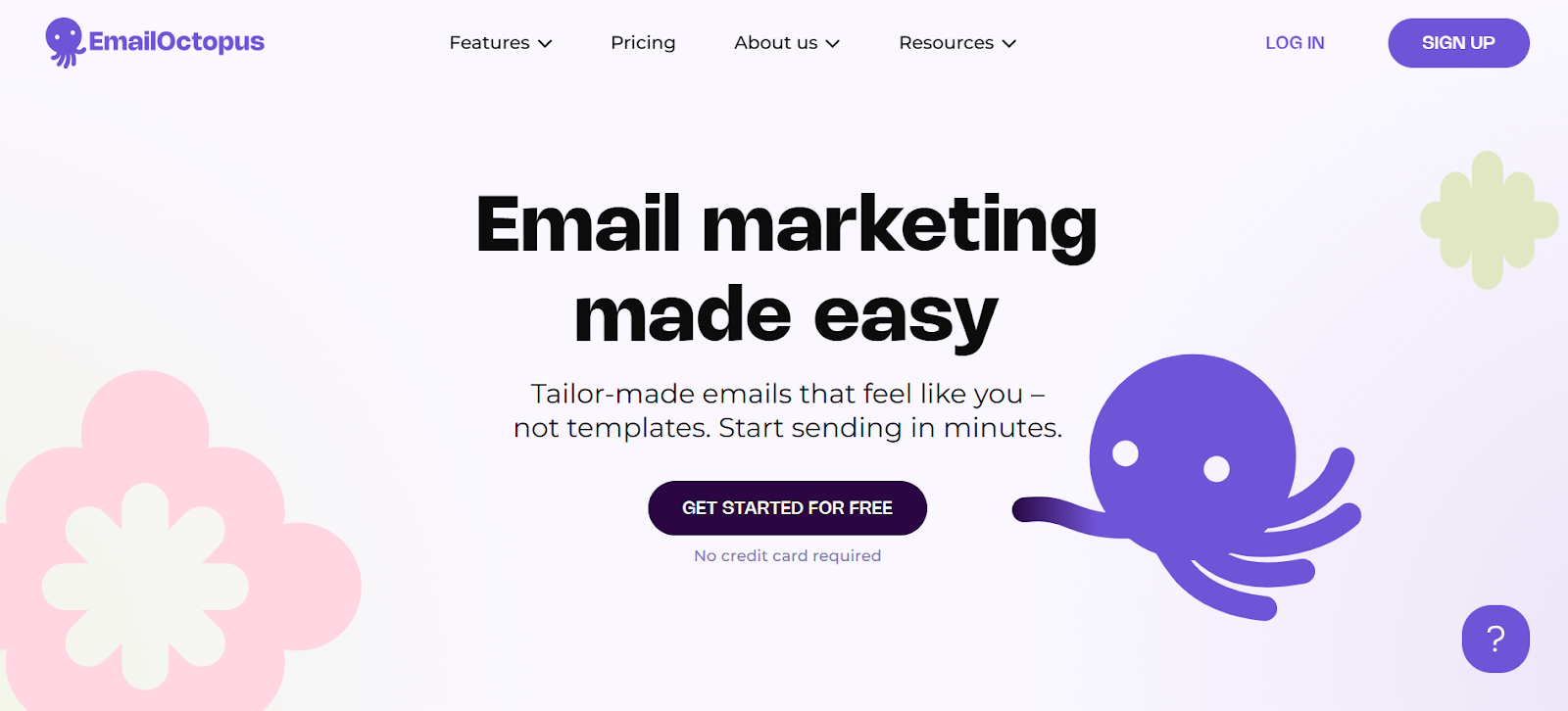
EmailOctopus is a simple and cost-effective email marketing platform built for businesses that want reliable performance without high pricing.
It focuses on ease of use, clean design, and affordable scaling, making it a strong alternative to tools like Mailchimp.
Why I Picked It at #10
I have personally tested EmailOctopus for multiple small campaigns and side projects throughout 2025 and early 2026, and what stood out to me was how genuinely easy to use and simple the platform feels.
The interface is clean, and you can set up professional newsletters, basic automation, and subscriber management quickly without wasting time on complex workflows.
If your goal is to send great emails, run simple drip campaigns, and manage subscribers without overpaying for unused features, EmailOctopus does the job exceptionally well.
The platform also offers a drag-and-drop editor, customizable templates, and list segmentation, which covers most essential email marketing needs.
One thing I noticed is its pricing advantage.
Compared to Mailchimp, EmailOctopus can be significantly cheaper for growing lists, especially when you don’t need advanced automation or CRM features.
It also integrates directly with Amazon SES, which helps reduce email sending costs even further for technical users.
- G2: 4.3⭐/5 (300+ reviews) | Capterra: 4.4⭐/5 (400+ reviews)
- Best for: If you are a startup, creator, or small business looking for a simple and budget-friendly email marketing tool with essential features, EmailOctopus is a great choice.
Limitations to Consider
- Automation capabilities are basic compared to ActiveCampaign or Brevo
- Limited advanced features like deep CRM, predictive analytics, or multichannel marketing
- Template library is smaller compared to Mailchimp
- Requires Amazon SES setup for the lowest pricing, which may not be beginner-friendly
- Not ideal for large-scale automation-heavy workflows
If your priority is affordability and simplicity over advanced automation, EmailOctopus delivers solid value.
It works best for startups, bloggers, and small businesses that want to keep email marketing lean and efficient.
Key Features
- Drag-and-drop email editor with customizable templates
- Basic marketing automation and drip campaigns
- List segmentation and tagging
- Detailed campaign analytics and reporting
- Amazon SES integration for low-cost email sending
- Landing pages and subscription forms
- GDPR compliance and data privacy features
- Integrations with Zapier, WordPress, and other tools
Pricing
- Free: 2,500 subscribers, 10,000 emails/mo (EmailOctopus branding)
- Pro: Starts at $9/mo for 500 subscribers (10,000 emails per month, add unlimited users, advanced reports)
- Custom pricing available for larger lists
11. Kit (formerly ConvertKit)
Kit is an email marketing platform designed specifically for creators.
It supports bloggers, podcasters, YouTubers, and newsletter writers who want to monetize through digital products, paid subscriptions, and courses.
Why I Picked It at #11
What makes Kit different is its built-in commerce layer.
You can sell digital products, paid newsletters, and subscriptions through Stripe without using tools like Gumroad or Teachable.
The visual automation builder is clean and simple to use.
The Creator Network also helps grow your audience through cross-promotion with other Kit creators, which is a rare feature in this category.

Kit provides unlimited email sends on every plan, including the free tier.
The free plan supports up to 1,000 subscribers, which is the most generous limit among the tools listed here.
- G2: 4.4⭐/5 (200+ reviews) | Capterra: 4.4⭐/5 (200+ reviews)
- Best for: If you’re a blogger, podcaster, or newsletter writer who wants to sell digital products and grow your audience using creator-focused tools, Kit is designed for you.
Limitations to Consider
- September 2025 pricing increase raised Creator from $15 to $33 per month
- Creator Pro increased from $45 to $66 per month
- Pricing now competes directly with tools like ActiveCampaign that offer deeper automation
- Limited design flexibility due to a minimal, plain-text-focused editor
- Not ideal for visually rich newsletters with heavy images or custom layouts
If you are a creator who wants an email platform that also works as a storefront, Kit remains a strong purpose-built choice.
Just keep in mind that the new pricing places it in a much more competitive position than before.
Key Features
- Built-in commerce: digital products, paid newsletters, subscriptions via Stripe
- Visual automation builder with tag-based journeys
- Creator Network for cross-promotion and audience discovery
- Unlimited email sends on all plans (including free)
- Landing page builder and customizable opt-in forms
- Subscriber tagging and basic segmentation
- RSS-to-email for blog-to-newsletter automation
- Integrations with Shopify, Teachable, WordPress, Patreon, Squarespace
Pricing
- Free: 1,000 subscribers, unlimited emails (basic features, Kit branding)
- Creator: $33/mo offering 1,000 subscribers (automation, integrations, no branding)
- Creator Pro: $66/mo including 1,000 subscribers (subscriber scoring, advanced reporting)
12. Omnisend
Omnisend is an ecommerce-focused marketing platform built for growing online stores.
It combines email, SMS, and push notifications in one system without the cost or complexity of Klaviyo.
Why I Picked It at #12
Omnisend stands out mainly for its pricing and feature access.
At $16 per month for 500 contacts, you get full access to automation, ecommerce templates, and web push notifications.
There is no feature gating across higher plans, which is not common with tools like Klaviyo or Mailchimp.
The Pro plan also includes SMS credits equal to the plan price, making SMS costs predictable.
The platform offers pre-built workflows designed specifically for ecommerce.
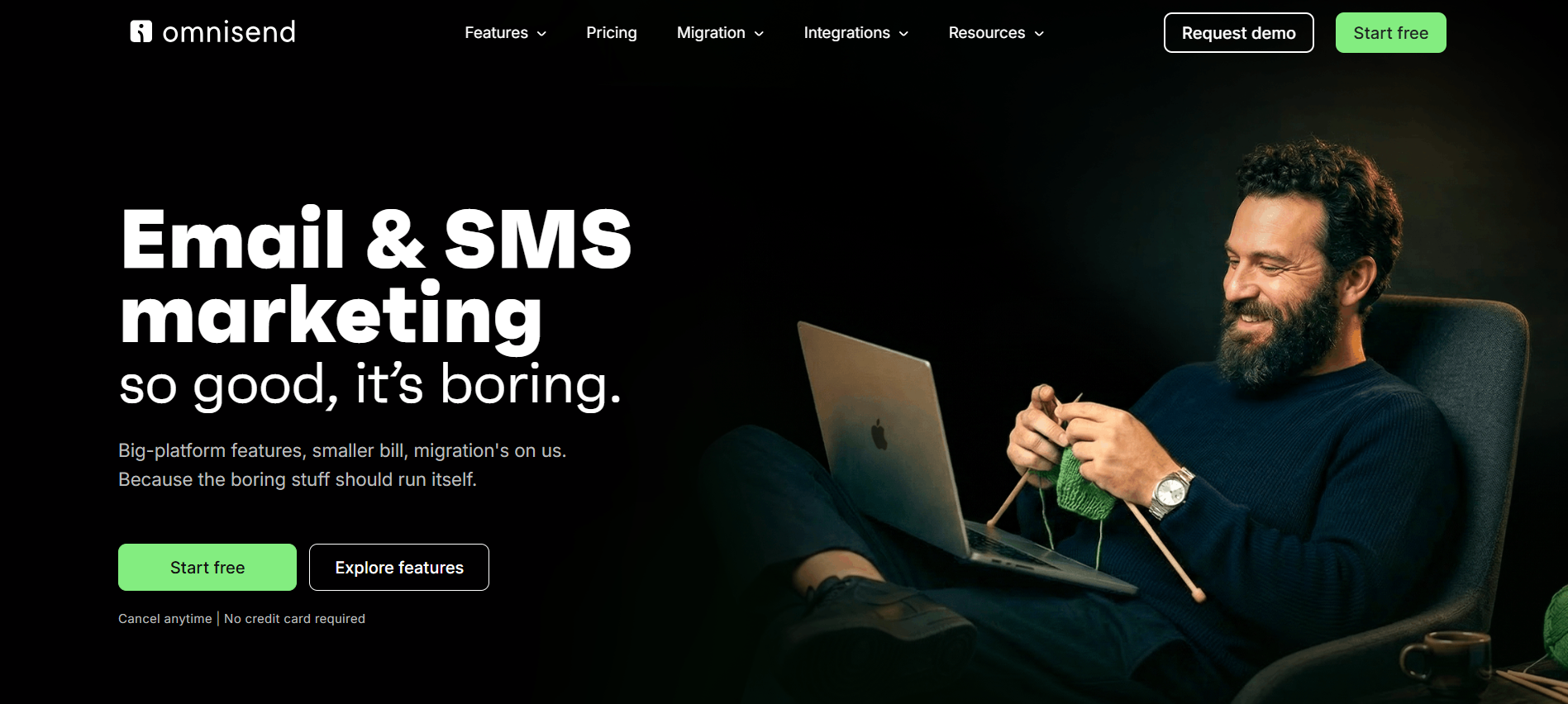
These include welcome series, cart abandonment, browse abandonment, and post-purchase review requests.
If you use Shopify or WooCommerce and want to launch campaigns quickly, Omnisend makes the setup easy.
It also offers Gamified signup forms, such as the Wheel of Fortune, help grow your list.
Plus, you can use built-in product review management, which also removes the need for an extra tool.
The cost difference becomes clear at scale. For 10,000 contacts, Omnisend costs around $132 per month. Klaviyo, by comparison, is closer to $240 per month.
That results in nearly $1,300 in savings each year while covering most core ecommerce needs.
- G2: 4.5⭐/5 (900+ reviews) | Capterra: 4.7⭐/5 (700+ reviews)
- Best for: If you run a small to mid-size ecommerce store and want email, SMS, and push notifications at an affordable price with strong out-of-the-box automation, Omnisend gives you excellent value.
Limitations to Consider
- Segmentation depth is not as advanced as Klaviyo
- Predictive analytics are more basic
- The integration library is smaller, with roughly 130 to 160 apps
If you want solid automation, multichannel reach, and reasonable pricing with 24/7 support on every plan, including free, Omnisend is a practical and well-balanced choice for ecommerce teams.
Key Features:
- Multichannel: email, SMS, web push notifications
- Pre-built ecommerce automation (cart, welcome, post-purchase)
- Product Recommender for dynamic newsletter content
- Drag-and-drop builder with ecommerce-specific content blocks
- Gamified signup forms (Wheel of Fortune)
- Built-in product review management (included, not an add-on)
- SMS credits included with Pro (equal to plan price)
- 24/7 support on all plans, including free
Pricing:
- Free: 250 contacts, 500 emails/mo, 500 push, 60 SMS credits
- Standard: $16/mo includes 500 contacts, 6,000 emails (all features)
- Pro: $59/mo includes 500 contacts (unlimited emails, SMS credits)
Beyond Email Marketing: What B2B Teams Need for Cold Outreach
Every tool I have covered above is built for one thing. Sending emails to people who already opted in. Subscribers, customers, warm leads.
But if you are in B2B sales, you know that is only half the picture. The other half is reaching people who have never heard of you.
That is cold email outreach, and it needs a completely different kind of tool.
Email Marketing vs. Cold Email
Email marketing tools (such as Mailchimp, Brevo, and others) are designed for permission-based sending. This includes newsletters, promotions, and drip sequences sent to opted-in subscribers. Their terms of service clearly prohibit sending emails to people who have not subscribed. If you use them for cold outreach, your account can be suspended, and deliverability will suffer.
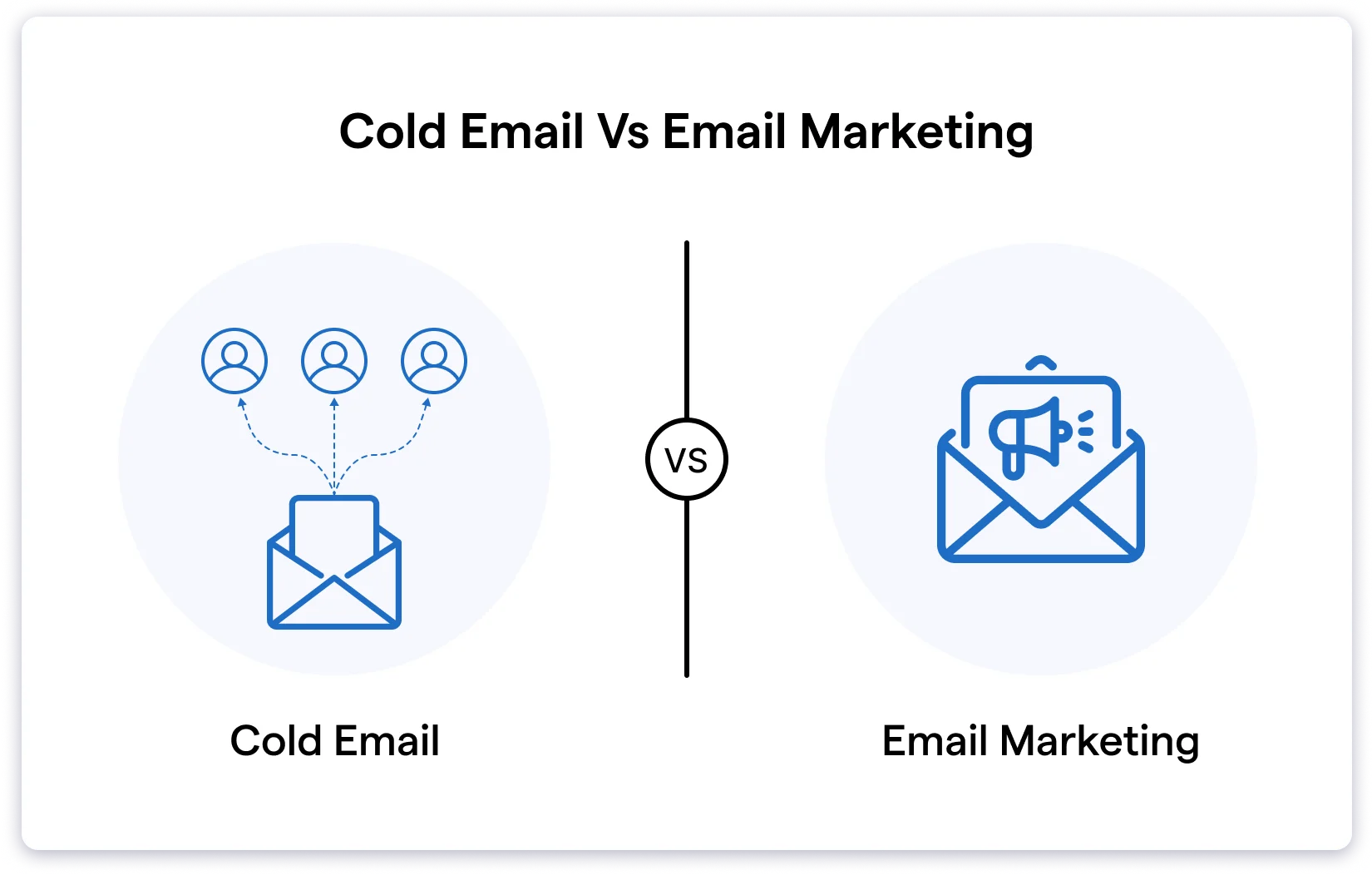
Cold email tools (like Saleshandy) are built for outbound prospecting. You find target contacts, send personalized one-to-one emails at scale, and track replies. Emails are sent from your personal inbox, not a marketing platform. Deliverability setup, sender rotation, and reply tracking are the main focus.
These are different workflows that require different tools. Using one tool for the other job usually ends badly.
Do you want to understand both topics in detail? Check out this blog post on cold emailing vs. email marketing for details.
What to Look for in a Cold Email Tool
If your goal is B2B lead generation through outbound, here is what matters most:
- Built-in B2B database: You should be able to find verified email addresses without buying separate lists. Saleshandy Lead Finder provides access to 800M+ verified B2B contacts with 75+ filters such as job title, industry, company size, and location.
- Deliverability infrastructure: Sender rotation across multiple inboxes, email warm-up, custom tracking domains, and bounce detection help keep emails out of spam.
- Personalization at scale: Merge tags, Spintax, custom fields, and dynamic content help each email feel personal, even when sending bulk emails per day.
- Automated follow-ups: Multi-step sequences follow up automatically when prospects do not reply, with rules that stop outreach once someone engages.
- Unified inbox and CRM: One place to manage replies, track deal progress, and see who needs a follow-up today. Saleshandy’s outbound CRM includes a Kanban pipeline and a full prospect activity timeline so nothing is missed.
- Reply tracking and analytics: Real-time visibility into opens, clicks, replies, and bounces at the prospect level, not just campaign averages.
Saleshandy brings all of this into one platform.
It combines a lead database, cold email automation, deliverability tools, and an outbound CRM.
Plans start at $25 per month with flat-rate pricing and no per-user charges.
You can begin with a 7-day free trial that includes five free lead credits.
How to Choose the Right Email Marketing Tool
Choose your email marketing tool based on what you actually need today.
Focus on use case, pricing growth, deliverability, and real feature value before deciding.
TL;DR
- Match the platform to your main use case, such as newsletters, ecommerce, webinars, automation, or cold outreach.
- Check how pricing increases as your contact list grows so costs stay predictable.
- Review the free plan limits to ensure you can test the tool properly before committing.
- Test deliverability early because features do not matter if emails land in spam.
- Avoid paying for advanced features you will not use right now.
Pick the tool that fits your current workflow, then upgrade only when growth makes it necessary.
FAQs About Email Marketing Tools
1. What is the best email marketing tool for small businesses?
MailerLite is the best option for most small businesses. It starts at $10 per month, is easy to use, and includes automation on the free plan. Brevo is a good alternative if you have a large list but send emails less often.
2. Which email marketing tools offer a free plan?
Seven out of eight tools include a free plan:
Mailchimp (250 contacts), Brevo (300 emails per day with unlimited contacts), MailerLite (500 subscribers), GetResponse (500 contacts), Klaviyo (250 profiles), Kit (1,000 subscribers), and Omnisend (250 contacts).
ActiveCampaign only provides a 14-day free trial.
3. Which platform is best for email marketing automation?
ActiveCampaign leads by a wide margin. It offers more than 750 automation recipes, conditional logic, lead scoring, and a native CRM. No other tool on this list matches its automation depth.
4. What is the difference between email marketing and cold email?
Email marketing focuses on sending campaigns to opted-in subscribers. Cold email involves outbound outreach to new prospects. They require different tools and workflows. Using Mailchimp for cold outreach can lead to account suspension.
For outbound sales, use a dedicated cold email platform like Saleshandy.
5. Which email marketing tool is best for ecommerce?
Klaviyo is the top choice if budget is not a concern due to its predictive analytics and deep Shopify integration. Omnisend delivers most of the same value at 40 to 50 percent lower cost.
6. Do these tools include AI features?
Yes, most platforms now include AI capabilities. Mailchimp offers AI content generation. ActiveCampaign supports AI-assisted automation building. GetResponse includes an AI email generator. Klaviyo provides K: AI for marketing planning. Most AI features are available only on mid-tier or higher plans.
7. What features should I look for in an email marketing tool?
Core features include a drag-and-drop editor, automation workflows, segmentation, A/B testing, analytics, signup forms or landing pages, and integrations. Beyond that, match the tool to your use case. Ecommerce teams need cart abandonment and product recommendations. B2B teams benefit from lead scoring and CRM features. Creators should prioritize monetization and audience tools.