


Mailchimp’s pricing page looks clean and simple.
Four plans. A few numbers. Tick the boxes.
But here’s what most people don’t realise until after they sign up.
The price you see is only for a small list.
The moment your contacts grow, your bill grows too. Sometimes faster than you’d expect.
And there are a few other costs that don’t show up until you’re already inside the tool.
In this blog, I’ll break down exactly what each Mailchimp plan costs, what you actually get with it, what’s hidden, and who it’s really built for.
Mailchimp Pricing – TOC
- TL;DR: Mailchimp Pricing at a Glance
- How Much Does Mailchimp Cost?
- Mailchimp Pricing Plans Breakdown
- Mailchimp Pay-As-You-Go Pricing
- Mailchimp Pricing Add-Ons and Hidden Costs
- Is Mailchimp Worth the Price?
- Mailchimp Pricing Compared to Competitors
- Why Saleshandy Is a Better Alternative for Cold Email
- FAQs About Mailchimp Pricing
TL;DR: Mailchimp Pricing at a Glance
1. Base Plans: $13/month (Essentials, 500 contacts) up to $350/month (Premium, 10,000 contacts).
2. The Catch: Pricing is contact-based. As your list grows, your bill grows too, even if you are not emailing those contacts.
3. What Changed in 2026: The free plan was cut from 500 contacts and 1,000 sends to just 250 contacts and 500 sends in January 2026.
4. What Costs Extra: SMS marketing, transactional emails, and a custom domain for landing pages are all paid add-ons.
5. Biggest Hidden Cost: Mailchimp charges you for unsubscribed contacts, too, unless you manually archive them.
6. Best For: Newsletter marketing, e-commerce email flows, and inbound campaigns to opt-in audiences.
7. Not For: Cold email outreach. It is explicitly against their Terms of Service.
8. Better Cold Email Option: Saleshandy with flat pricing from $25/month, unlimited inboxes, built for outbound.
How Much Does Mailchimp Cost?
Mailchimp has four marketing plans.
| Plan | Base Price | Contacts at Base | Monthly Sends |
|---|---|---|---|
| Free | $0 | 250 | 500 |
| Essentials | $13/mo | 500 | 5,000 |
| Standard | $20/mo | 500 | 6,000 |
| Premium | $350/mo | 10,000 | 150,000 |
Before we go into each plan, here is the one thing you need to understand.
These are the lowest-tier prices.
Every plan scales upward based on how many contacts you have.
So what you pay at 500 contacts is very different from what you pay at 5,000 or 25,000.
Let me walk you through each plan in detail.
Mailchimp Pricing Plans Breakdown
Let’s break down each of Mailchimp’s pricing plans and see what it consists of and who can use it and when.
1. Free Plan
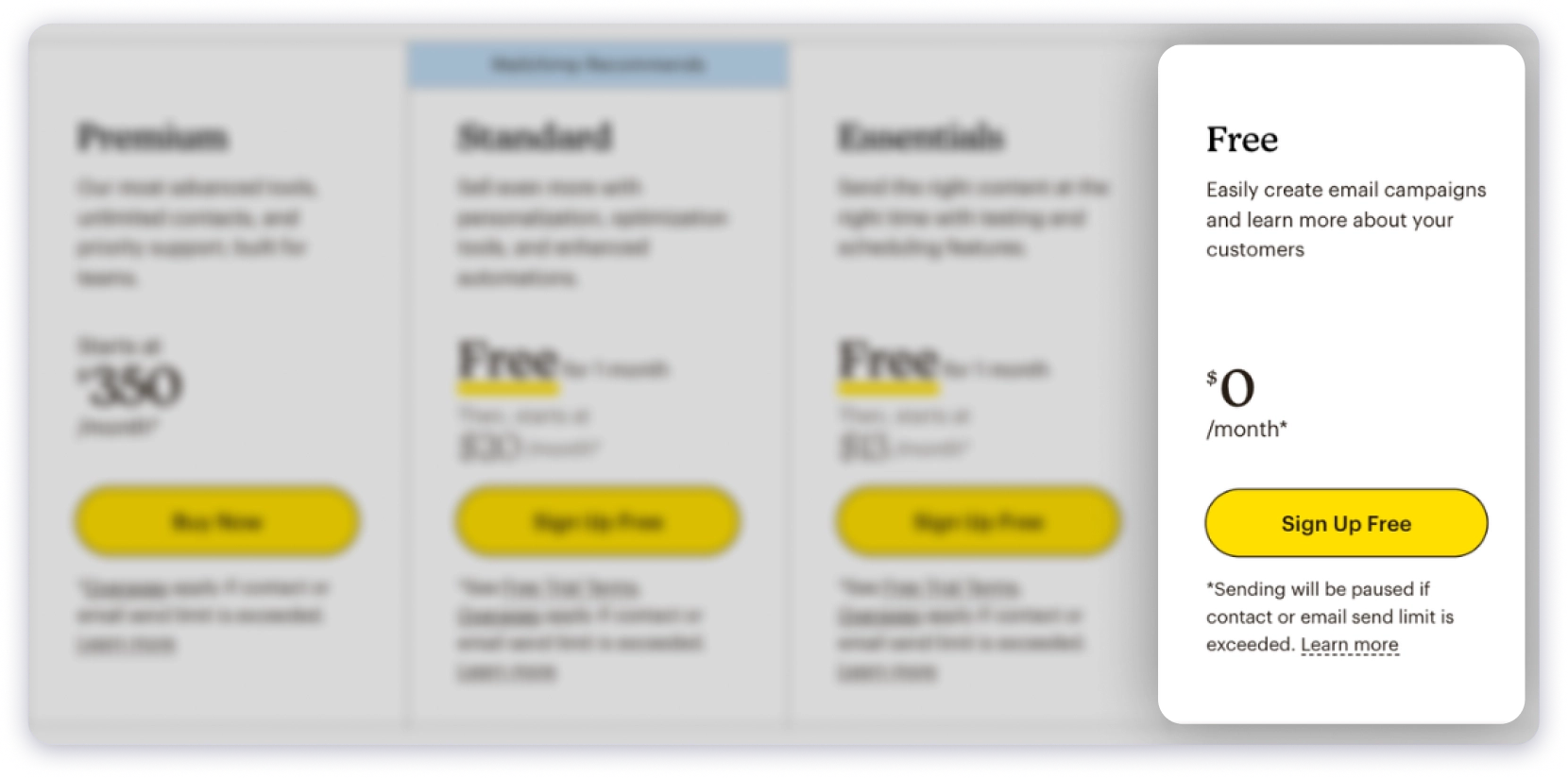
Price: $0
Mailchimp’s free plan used to be one of the most generous in the space. 500 contacts, 1,000 sends per month.
In January 2026, they cut it significantly.
Here is what you get now:
- 250 contacts
- 500 emails per month (daily cap of 250 emails)
- No email scheduling
- No automation workflows
- Mailchimp branding on every email you send
- Customer support is only available for the first 30 days
- Limited to 1 audience
In practice, 250 contacts run out very fast.
Without scheduling or automation, you also have to send every campaign manually in real time.
That defeats the purpose of using an email tool.
Who Should Choose This Plan?
Someone who is just exploring Mailchimp for the first time and has a tiny list of under 250 people.
For anyone running real campaigns, you will outgrow this in weeks.
2. Essentials Plan
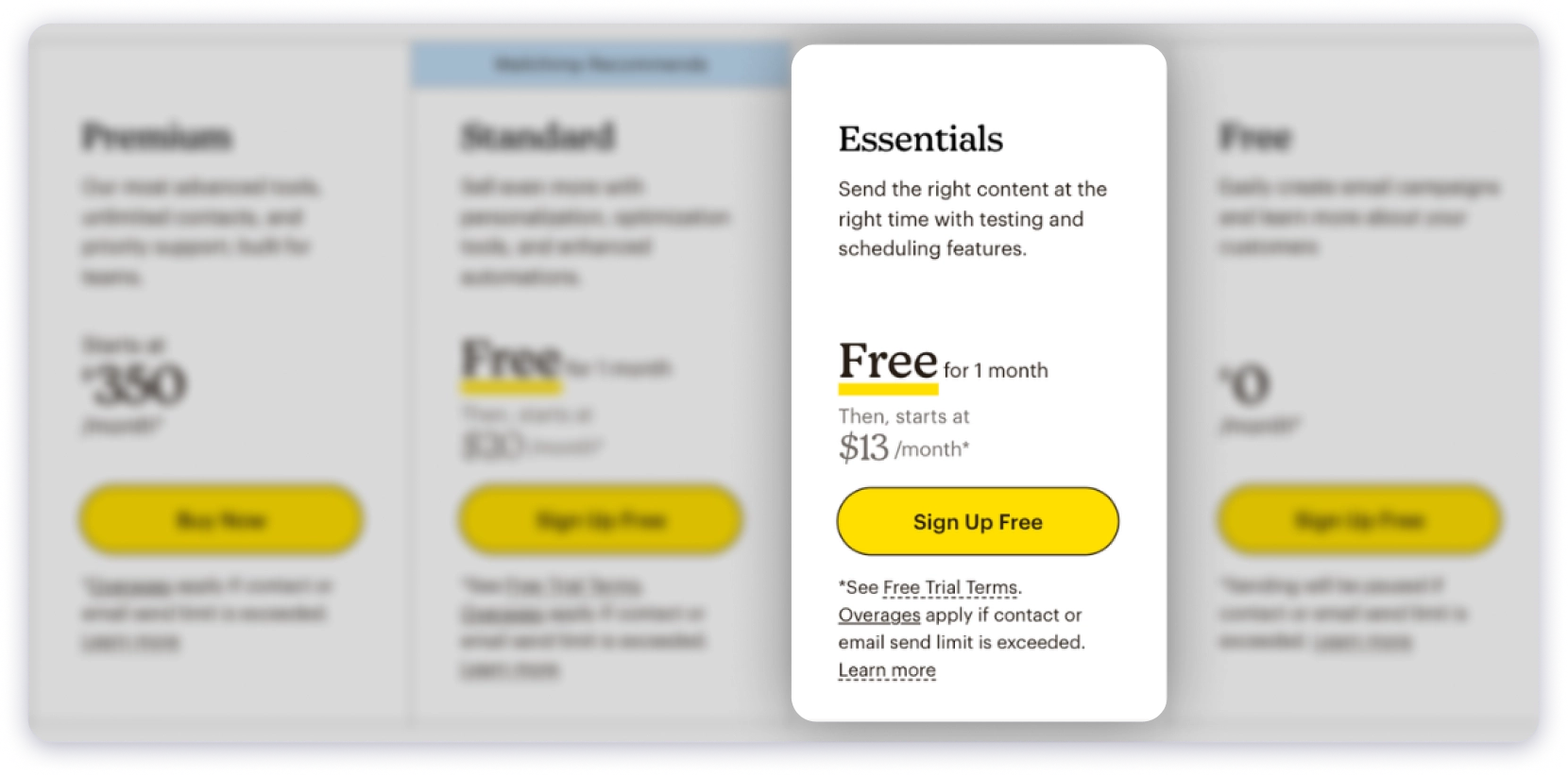
Price: $13/month for 500 contacts
This is Mailchimp’s entry-level paid plan.
It offers a 14-day free trial.
At 500 contacts, it starts at $13/month with 5,000 monthly sends.
That is 10 emails per contact per month, which is more than enough for most newsletters.
Here is how the price scales as your list grows:
- 500 contacts → $13/month
- 1,000 contacts → $26.50/month
- 2,500 contacts → $45/month
- 5,000 contacts → $75/month
- 10,000 contacts → $110/month
- 25,000 contacts → $270/month
- 50,000 contacts → $385/month
So if you have 5,000 contacts today, you are not paying $13.
You are paying $75/month.
What is Included:
- All email templates
- A/B testing
- 24/7 email and chat support
- Mailchimp branding removed from your emails
- Up to 3 audiences and 3 users
Key Limitation:
- No multi-step automation.
- You can only set up a single-step autoresponder.
- To build a proper welcome sequence, drip flow, or any multi-email automation, you have to upgrade to Standard.
For most marketing teams, this is the dealbreaker on Essentials.
Who Should Choose This Plan?
Small businesses or individual creators who send basic newsletters to a list under 5,000 contacts and do not need automation beyond a simple autoresponder.
3. Standard Plan
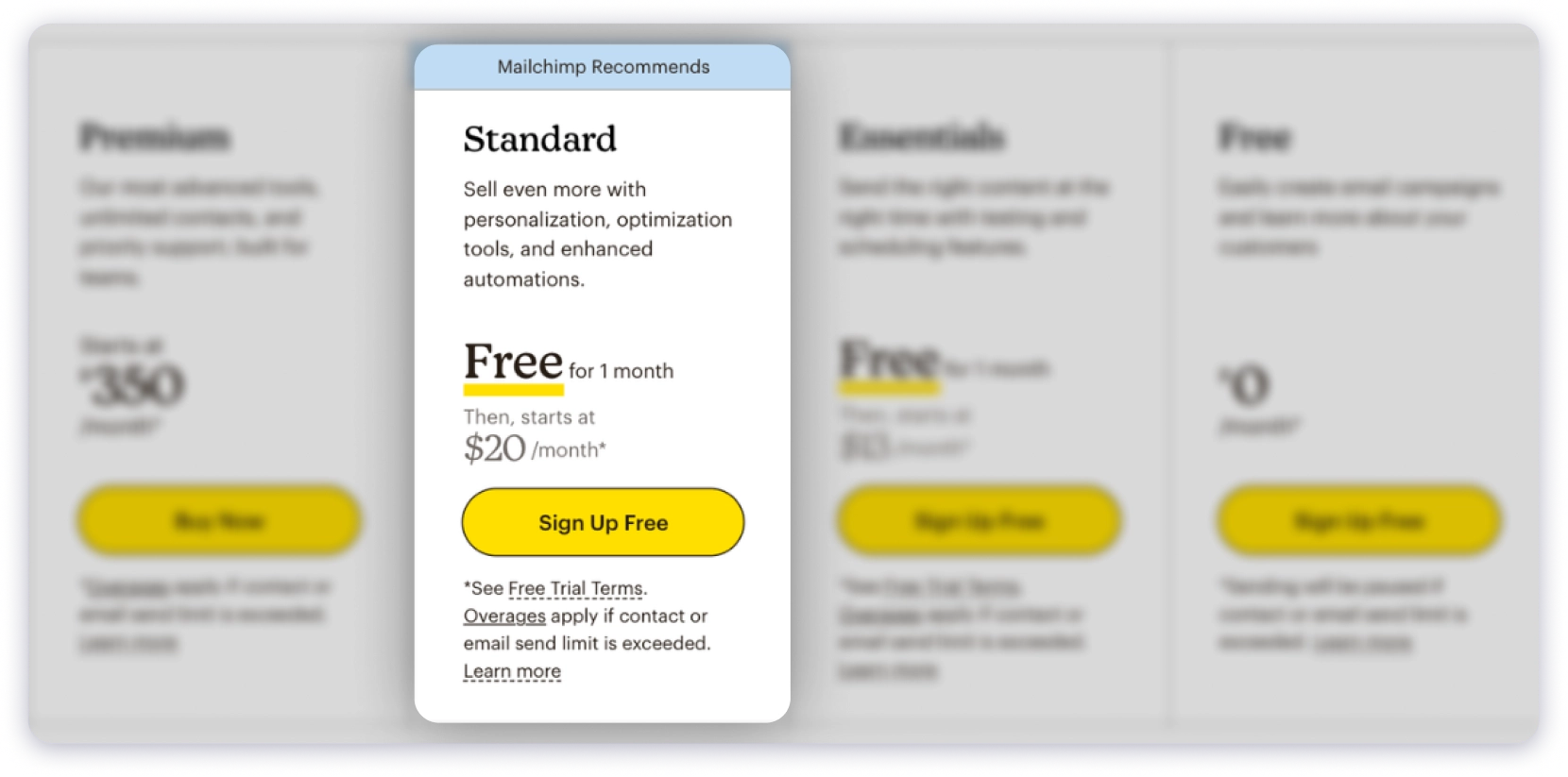
Price: $20/month for 500 contacts
The Standard plan is where Mailchimp becomes genuinely useful for marketing teams.
It also has a free trial of 14-days.
It starts at $20/month for 500 contacts, with 6,000 monthly sends.
Here is how the price scales:
- 500 contacts → $20/month
- 1,000 contacts → $45/month
- 2,500 contacts → $60/month
- 5,000 contacts → $100/month
- 10,000 contacts → $135/month
- 25,000 contacts → $270/month
- 50,000 contacts → $450/month
At 5,000 contacts, you are paying $100/month.
At 50,000, that is $450/month.
What is Included Over Essentials:
- Multi-step automation workflows (the biggest unlock on this plan)
- Advanced segmentation
- Send-time optimisation
- Retargeting ads for Facebook, Google, and Instagram
- Comparative reports across campaigns
- Up to 5 users and 5 audiences
- 1 onboarding session with a Mailchimp specialist
Multi-step automation is the main reason people upgrade from Essentials to Standard.
It lets you build proper email sequences.
Welcome flows, post-purchase series, re-engagement campaigns, anything with more than one step.
Who Should Choose This Plan?
Growing marketing teams running e-commerce email flows, onboarding sequences, or any campaign that needs more than one automated step.
If automation is part of your strategy, Standard is the minimum plan you need.
4. Premium Plan
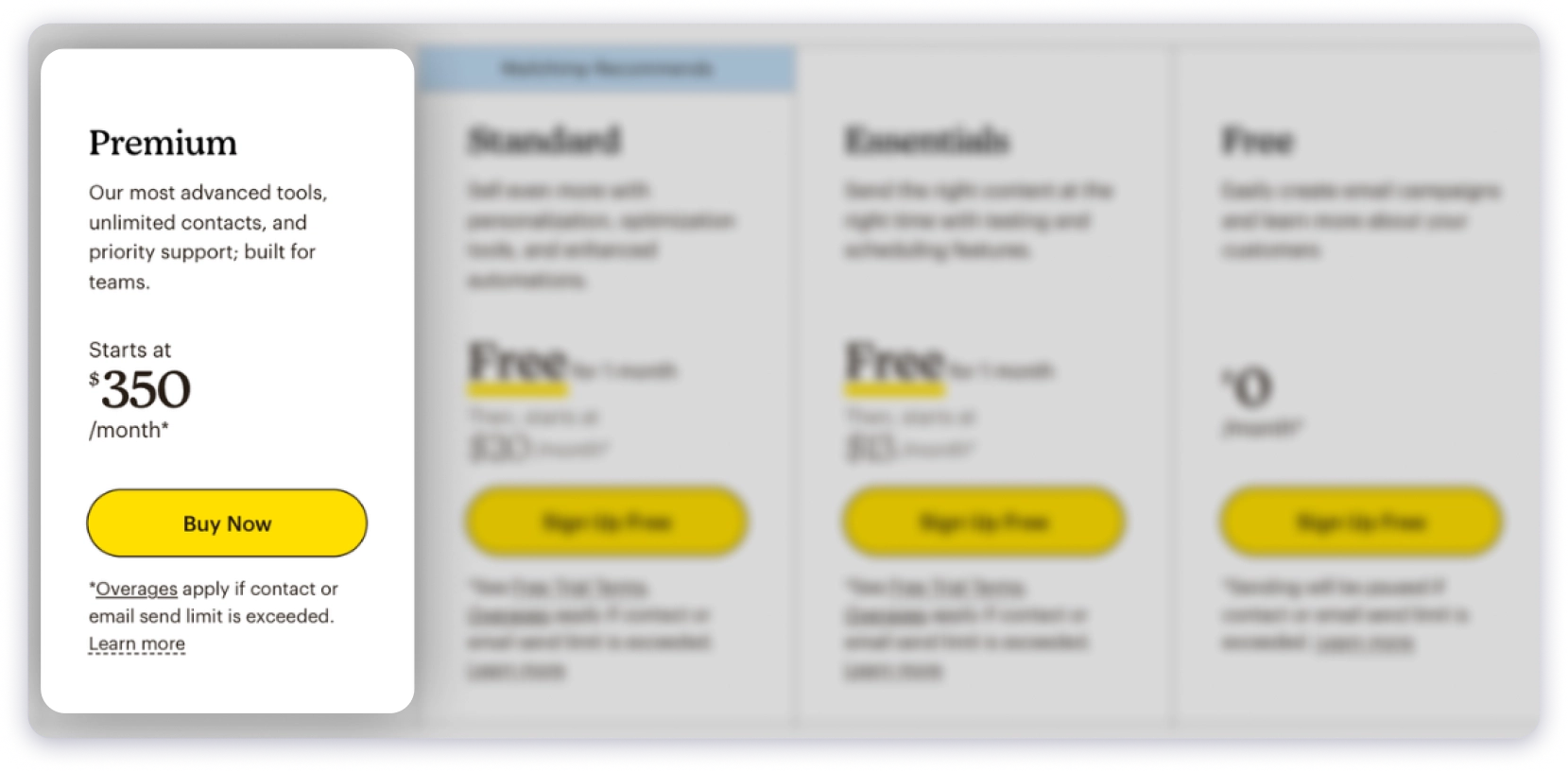
Price: $350/month for 10,000 contacts
The Premium plan is Mailchimp’s top tier, and the price jump from Standard is significant.
Here is how it scales:
- 10,000 contacts → $350/month
- 25,000 contacts → $620/month
- 50,000 contacts → $815/month
- 200,000 contacts → around $1,300/month
What is Included Over Standard:
- Unlimited users, no 5-seat cap
- Unlimited audiences
- Priority phone support
- Advanced role-based access with 5 permission levels
- 4 personalised onboarding sessions
Honest Take: The feature difference between Standard and Premium is not as big as the price difference.
Most teams using Mailchimp for newsletters or e-commerce do not need unlimited audiences or phone support enough to go from $135/month to $350/month.
Who Should Choose This Plan?
Large enterprises with very big contact lists and dedicated marketing teams.
It makes sense if you genuinely need unlimited seats, advanced support, and premium onboarding to manage campaigns at scale.
Mailchimp Pay-As-You-Go Pricing
Mailchimp also has a pay-as-you-go option for users who do not want a monthly subscription.
You buy email credits upfront and use them when you need to.
The credits come with the same features as the Essentials plan.
Here is how the credits are priced:
- 5,000 emails → $200 ($0.04 per email)
- 10,000 emails → $260 ($0.026 per email)
- 50,000 emails → $1,300 ($0.026 per email)
- 75,000 emails → $1,950 ($0.026 per email)
One important change to note: credits used to never expire.
They now expire after 12 months from the date of purchase.
When Does This Make Sense?
Only for very infrequent senders. Think of a business that runs one or two campaigns per year.
If you send even once a month, a Standard or Essentials plan almost always works out cheaper.
The cost per email on a pay-as-you-go plan is much higher than on a monthly plan.
Mailchimp Pricing Add-Ons and Hidden Costs
This is the section most pricing articles skip.
The plan price is where your costs start, not where they end.
- Billed for Unsubscribed Contacts
- Fewer Tiers Means Paying for Contacts You Do Not Have
- Overage Charges Without Auto-Upgrade
- SMS Marketing Is a Separate Add-On
- Transactional Emails Cost Extra
- Custom Domain for Landing Pages Costs Extra
1. Billed for Unsubscribed Contacts
This is the most common surprise Mailchimp users run into.
Since April 2024, Mailchimp counts all contacts in your account toward your billing limit.
That includes unsubscribed contacts, inactive contacts, and people who have not opted in yet.
If someone clicks unsubscribe, they still count toward your tier unless you manually archive them.
Here Is a Simple Example to Show What This Means:
You have 5,000 total contacts. 1,200 of them have unsubscribed.
Your actual sendable list is 3,800 people.
But Mailchimp still keeps you on the 5,000 contact tier.
On Standard, that is $100/month for 3,800 contacts you can actually email.
The fix is to archive unsubscribed contacts regularly.
But most users only find out about this after seeing a higher bill than they expected.
2. Fewer Tiers Means Paying for Contacts You Do Not Have
Mailchimp has fewer pricing tiers than most competitors.
If your list sits between two tiers, say you have 8,000 contacts, there is no 8,000 option.
You jump straight to the 10,000 tier and pay that rate.
Tools like MailerLite and Brevo offer more tiers in between, so you pay closer to your actual list size.
3. Overage Charges Without Auto-Upgrade
If your list grows past your current tier during a billing cycle, Mailchimp does not automatically upgrade your plan.
They add an overage charge on top of your current bill instead.
You will not know until your next invoice.
The fix is to keep an eye on your contact count and upgrade manually before you hit the limit.
4. SMS Marketing Is a Separate Add-On
SMS is not included in any Mailchimp plan.
If you want to send text messages to your subscribers, you have to buy SMS credits separately.
This is currently available mainly for US contacts on Standard and above plans.
5. Transactional Emails Cost Extra
Transactional emails are things like order confirmations, receipts, and password reset emails.
These are paid add-ons on Mailchimp, available only on Standard and Premium plans.
They are priced in blocks. One block covers 25,000 emails.
- First 20 blocks (up to 500,000 emails) → $20 per block
- Blocks 21 to 40 (500,000 to 1,000,000 emails) → $18 per block
If your business sends transactional emails, which most e-commerce businesses do, budget for this separately on top of your plan cost.
6. Custom Domain for Landing Pages Costs Extra
If you want to use your own domain for Mailchimp landing pages instead of their default subdomain, that is an extra $137.81 per year.
This applies regardless of which plan you are on.
Is Mailchimp Worth the Price?
Pros✅ :
- Good template editor and drag-and-drop email builder
- Huge integration ecosystem, connects with almost everything
- Reliable deliverability for permission-based email campaigns
- Strong segmentation and automation on Standard and above
- Good fit for e-commerce brands, newsletters, and inbound marketing
Cons ❌:
- Contact-based pricing scales fast and can get expensive quickly
- Charges you for unsubscribed contacts unless you archive them yourself
- Multi-step automation is only available on the $20+ Standard plan
- The free plan was significantly cut in January 2026
- SMS and transactional emails are paid add-ons on top of the plan
- Cold email is against their Terms of Service
Mailchimp Pricing Compared to Competitors
Mailchimp is good, but if you want tools similar to what it does or maybe better in pricing or other features. Here are my top three choices.
1. Saleshandy

These are different types of tools, but it is worth comparing them because a lot of B2B teams land on Mailchimp when they actually need something for outbound.
Mailchimp is built for inbound email marketing.
Newsletters, campaigns, and lifecycle emails to people who have already signed up or subscribed.
Saleshandy is built for cold email and outbound sales.
Reaching people who do not know you yet, starting conversations, and booking meetings.
Using Mailchimp for cold email violates their Acceptable Use Policy.
Accounts get suspended. Sending domains get damaged. It is not a grey area.
For teams doing outbound, here is where Saleshandy wins clearly:
| Based On | Mailchimp | Saleshandy |
|---|---|---|
| Starting price | $20/mo | $25/mo (annual) |
| Email accounts | Limited per plan | Unlimited |
| Cold email sequences | Not allowed | Core feature |
| Automated follow-ups | Limited | Built-in |
| Scales by contact count | Yes, gets expensive | No, flat pricing |
| Charges unsubscribed contacts | Yes | No |
| B2B Lead Finder | No | 800M+ database |
| Free trial | 14 days | 7 days |
For a full feature breakdown, you can read a detailed analysis of Saleshandy vs Mailchimp.
2. MailerLite
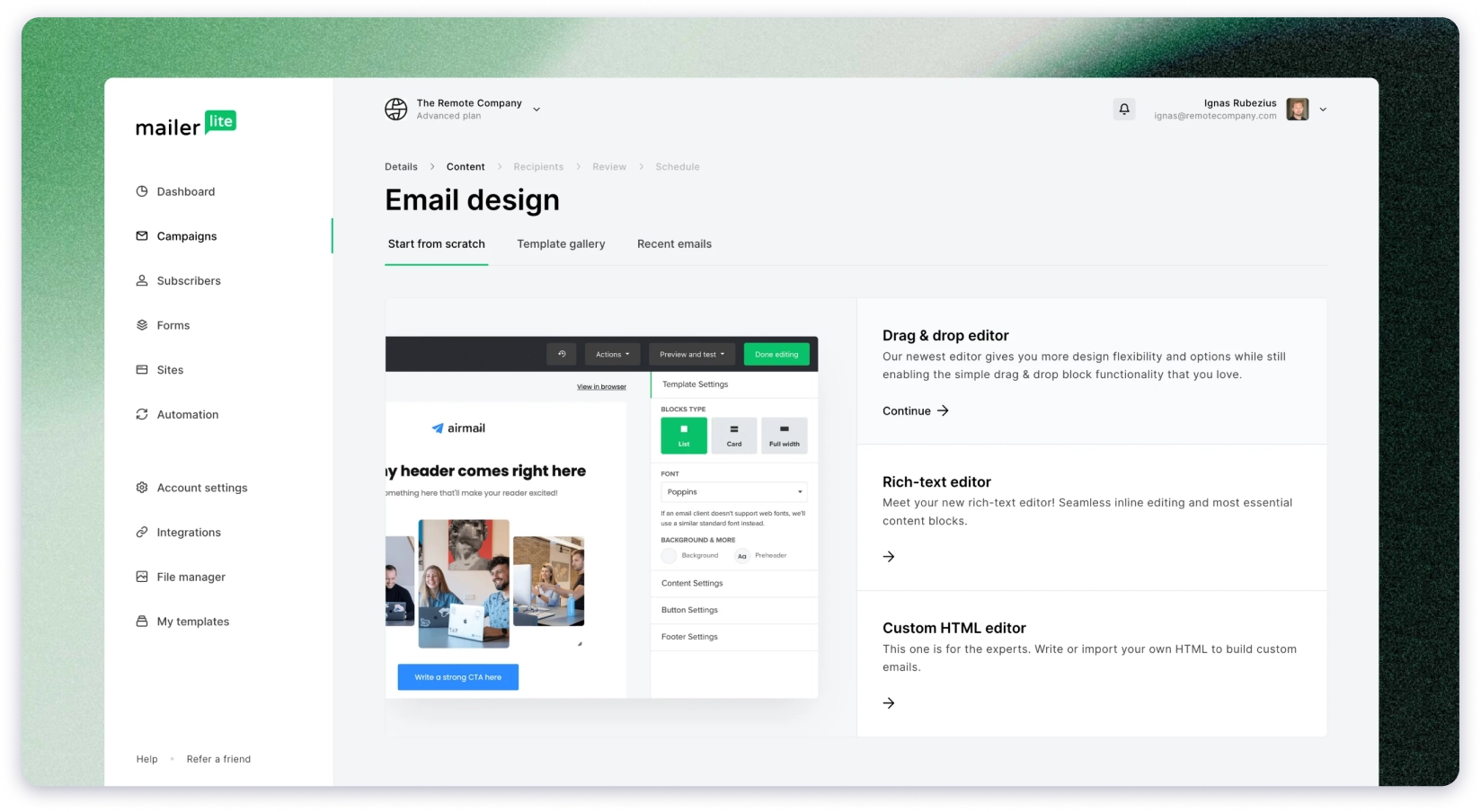
MailerLite is Mailchimp’s most direct competitor in the newsletter space, and it is consistently cheaper.
After Mailchimp’s January 2026 cuts, MailerLite’s free plan allows 1,000 subscribers and 12,000 sends per month with no daily cap.
Mailchimp’s free plan allows just 250 contacts and 500 sends.
On paid plans, MailerLite is also more affordable at most contact tiers.
It includes multi-step automation at lower price points and has more granular contact tiers, so you pay closer to your actual list size.
If cost matters and your use case is newsletters, MailerLite is worth comparing before committing to Mailchimp.
3. Brevo
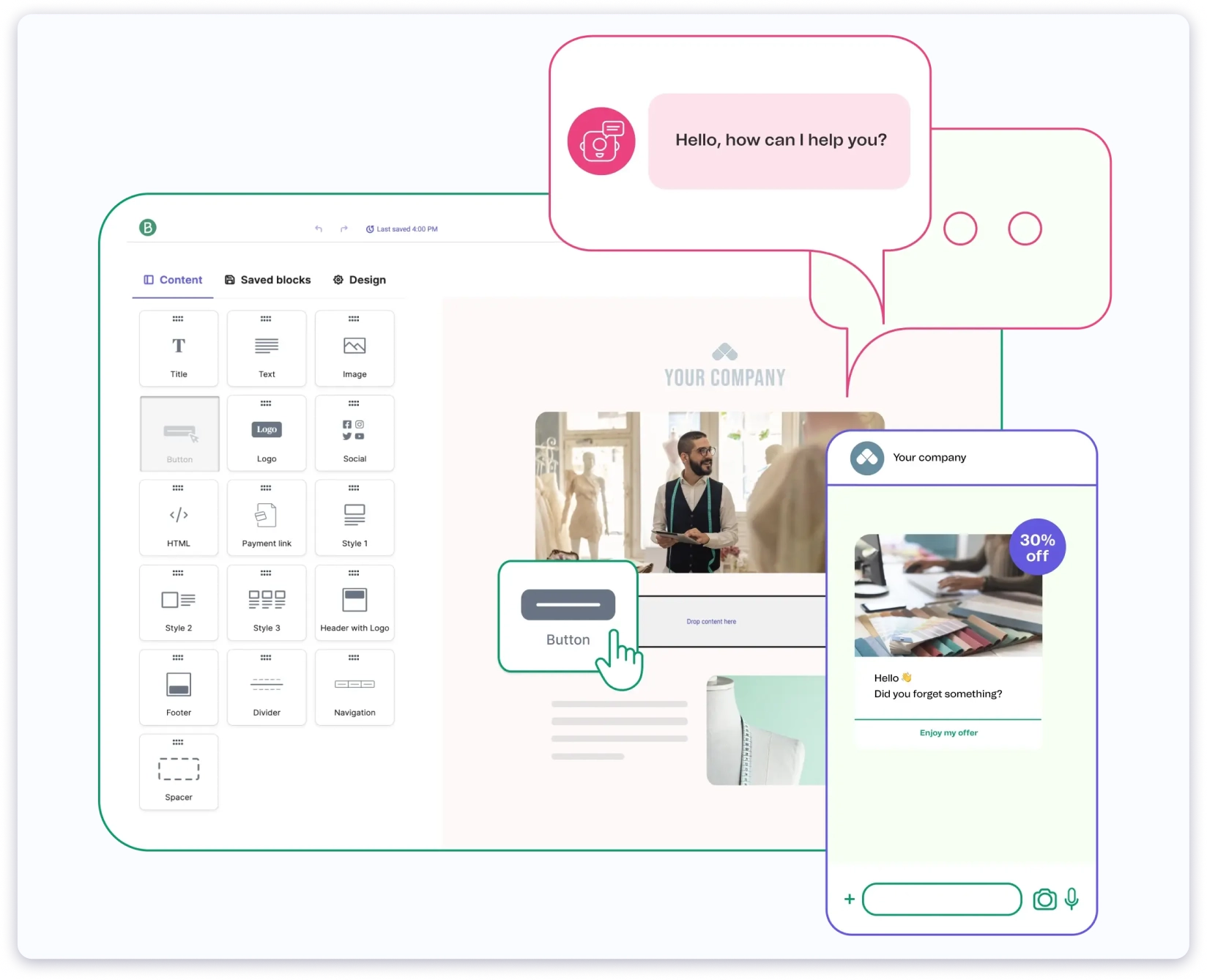
Brevo charges by emails sent, not by contacts stored.
That makes it significantly cheaper for teams with large lists who do not email frequently.
On Mailchimp, you pay for all 50,000 contacts whether you email them once a month or ten times.
On Brevo, you only pay based on how many emails you actually send.
Brevo also includes multi-step automation on lower-tier plans, something Mailchimp keeps locked behind Standard.
If you have a large list and want more predictable costs without contact-based billing, Brevo is the simpler and more affordable option.
Why Saleshandy Is a Better Alternative for Cold Email
If you landed on this page because you are looking for a tool to run outbound sales or cold email campaigns, here is what you need to know.
Mailchimp does not support cold email.
Trying to use it for outreach puts your account and domain at risk.
Saleshandy is built exactly for that job.
Here is what you get with Saleshandy:
- Unlimited Email Accounts: Connect as many inboxes as you need with no extra cost.
- Automated Cold Email Sequences: Conditional follow-up logic that pauses when someone replies.
- B2B Lead Finder: Find verified contacts from 800M+, 75+ filters, and AI-powered search.
- Built-in CRM: A kanban pipeline, full prospect activity timeline, notes, and tasks.
- Inbox Rotation and Email Warm-Up: Protect your deliverability as you scale.
- Flat Pricing from $25/month: No contact-based billing, no surprise charges.
It is everything a cold email team needs in one place, without the pricing model that makes Mailchimp expensive to scale.
Final Verdict: Mailchimp Pricing
Mailchimp is a solid email marketing tool for inbound audiences.
If you are sending newsletters, managing e-commerce email flows, or nurturing subscribers who have already opted in, it works well and has a strong integration ecosystem to support it.
But go in with clear eyes on the pricing model.
Contact-based billing that scales fast and separate add-ons for SMS and transactional email all push the real cost higher than the base plan suggests.
And if you are here looking for a tool for outbound sales or cold email, Mailchimp is not built for that. Use a tool that is.
FAQs on Mailchimp Pricing
1. How much does Mailchimp cost per month?
Mailchimp’s paid plans start at $13/month (Essentials, 500 contacts), $20/month (Standard, 500 contacts), and $350/month (Premium, 10,000 contacts).
All plans scale upward as your contact list grows, so what you actually pay depends on your list size, not just the plan.
2. What changed in Mailchimp’s free plan in 2026?
In January 2026, Mailchimp cut the free plan from 500 contacts/1,000 sends to 250 contacts/500 sends per month.
Scheduling and automation are not available on the free plan.
3. Does Mailchimp charge for unsubscribed contacts?
Yes. Since April 2024, Mailchimp counts all contacts, including unsubscribed and inactive ones, toward your billing limit.
You have to manually archive them to stop being charged.
4. Is Mailchimp good for cold email outreach?
No. Their Acceptable Use Policy prohibits emailing people who haven’t opted in. Using it for cold outreach risks account suspension and domain damage.
For cold email, use a tool built for outbound like Saleshandy, which includes unlimited inboxes, automated sequences, and an 800M+ B2B lead finder.
5. What is the best Mailchimp alternative for cold email?
Saleshandy. It’s built specifically for B2B cold outreach, unlimited email accounts, AI-powered sequence automation, automated follow-ups, and an 800M+ verified contact database.
Starts at $25/month with a 7-day free trial.